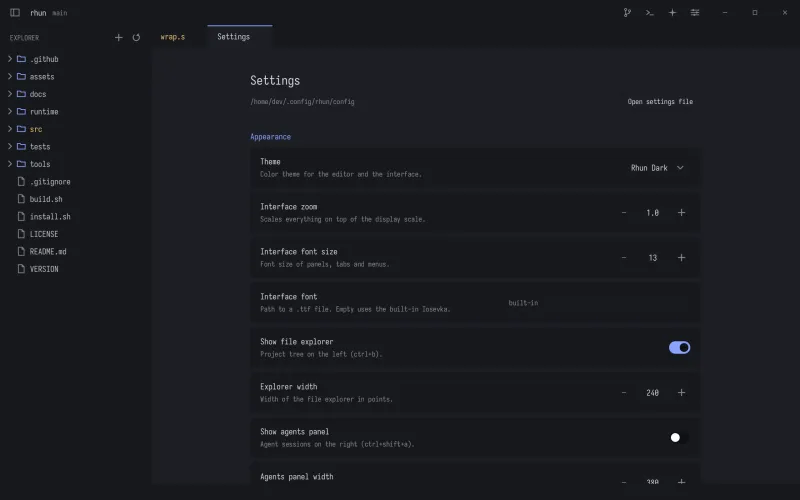
rhun
rhunGet to know
your editor.
Short guides for the things you do every day. From your first file to your next commit.
Start with the basicsGetting started
Install rhun, open a project, and find your way around.
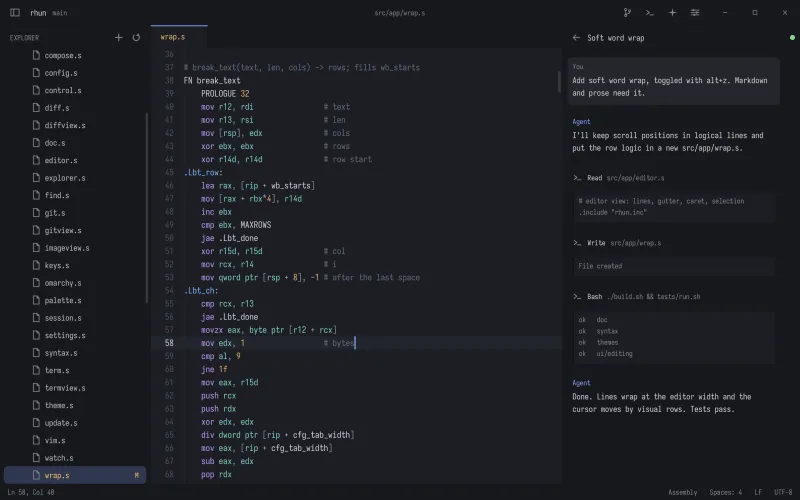
Editing
Jump between files, search your project, and make the edit.
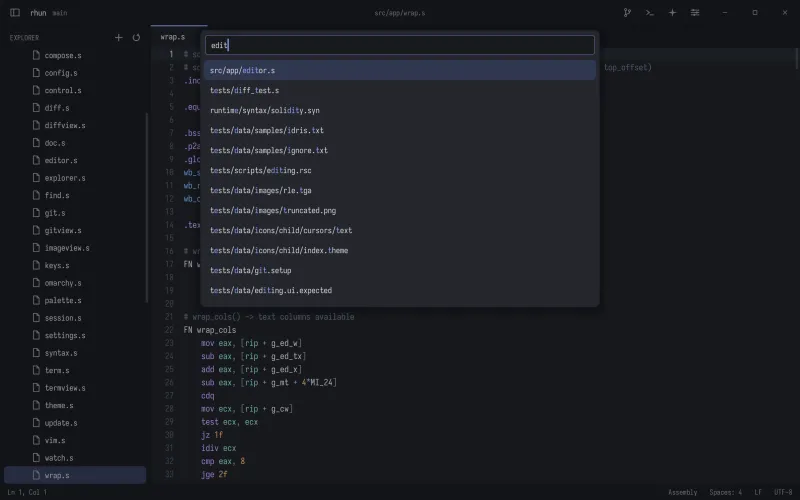
Terminal
Run commands, switch terminals, and jump from output to source.
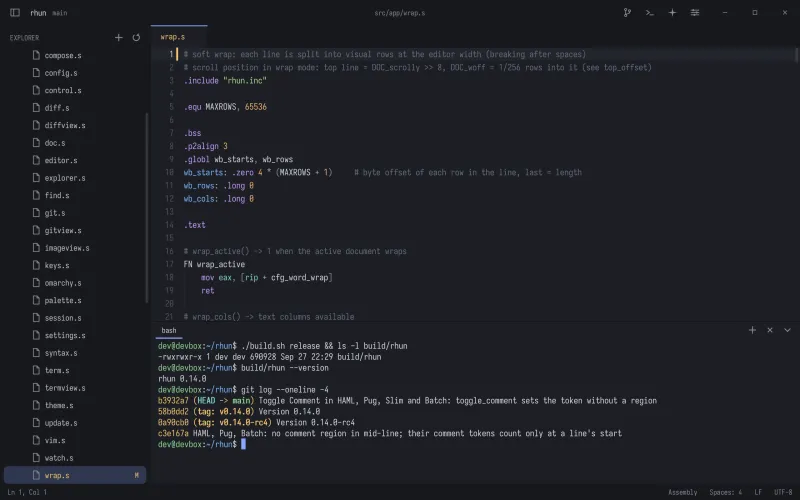
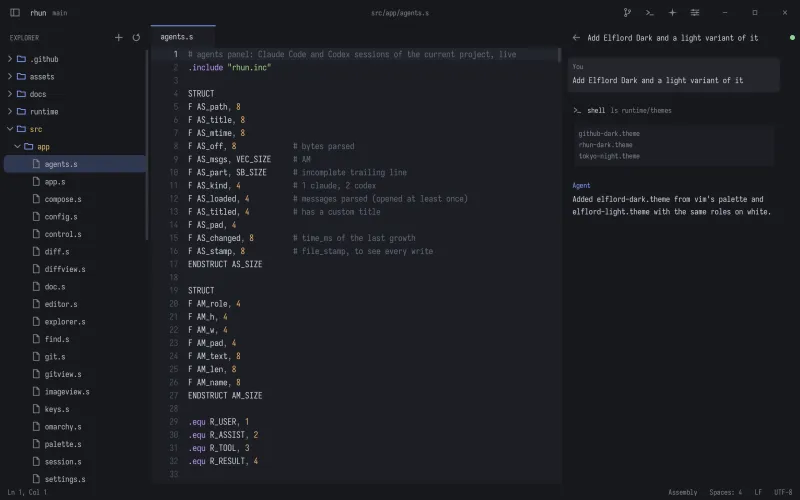
Agents
Follow Claude Code and Codex sessions across your project and worktrees.
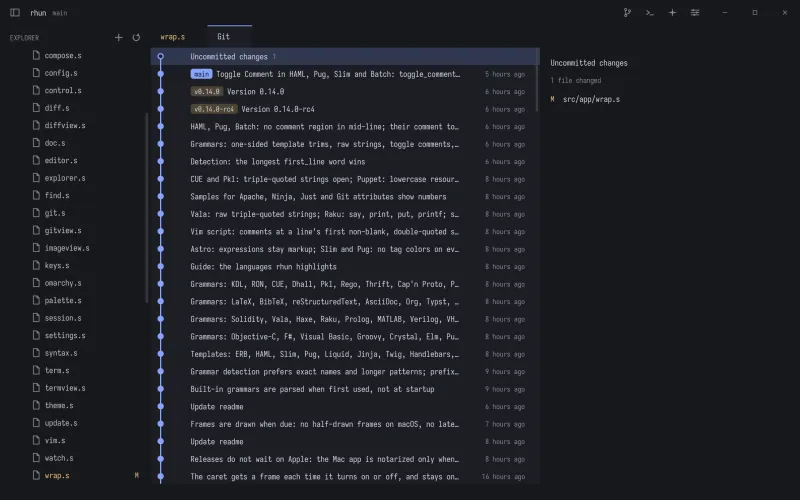
Git
Review diffs, stage changes, and follow the history without leaving rhun.
Customization
Choose a theme, adjust the feel, and put your shortcuts where you want them.