 rhun
rhun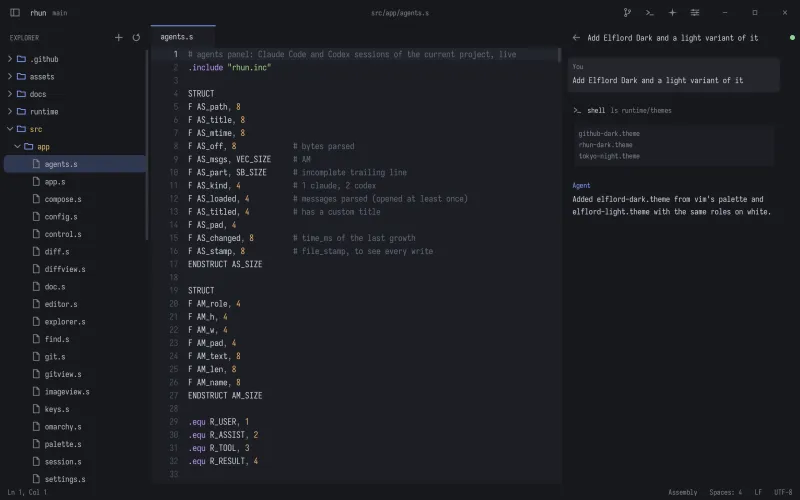
Bring your agent
Use your installed Claude Code or Codex CLI in the built-in terminal. Each tool uses its own setup and authentication.
Open the Agents panel with Ctrl + Shift + A (Cmd + Shift + A on macOS) to follow sessions associated with your project.
Follow your sessions
The panel brings Claude Code and Codex sessions into one list. Sessions update in the background while you work, without needing a manual refresh.
The first view shows the 50 most recent sessions across providers and worktrees. Use Load more to bring in the next 50.
Background refresh pauses when the Agents panel is hidden.
Across worktrees
Sessions from the project’s Git worktrees appear alongside the main checkout. Provider labels and worktree badges help you tell them apart.
rhun remembers verified worktree paths, so past sessions can remain visible even after a worktree is removed.
Review the changes
When an agent changes a file on disk, rhun reloads it. If you have unsaved edits in that file, your buffer stays intact and a warning lets you choose what to keep.
Use Git diffs to inspect the changes, then stage and commit the parts you want.