 rhun
rhun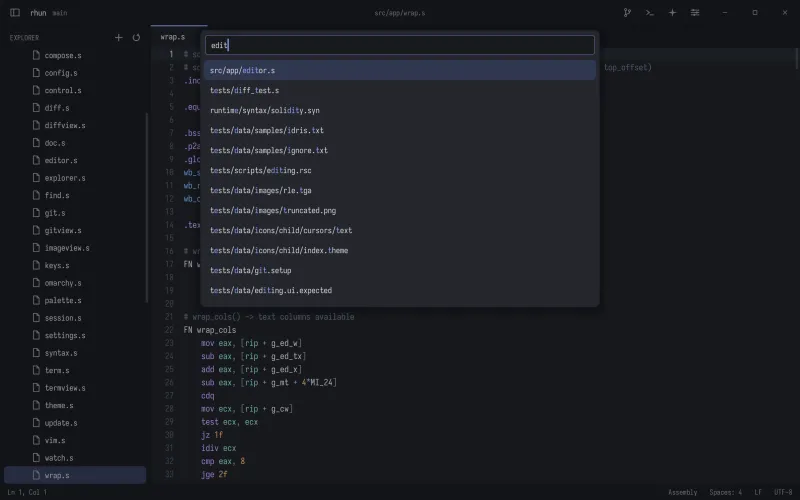
Find and replace
Ctrl + F finds text in the current file. Ctrl + H opens replace. Use Ctrl + Shift + F to search across the project and jump straight to a result.
To select repeated text, press Ctrl + D to select the word, then press it again to add the next match.
Everyday edits
- Ctrl + S
- Save the file.
- Ctrl + Z
- Undo the last edit.
- Ctrl + /
- Toggle a line comment.
- Alt + ↑ / ↓
- Move lines up or down.
- Ctrl + Shift + D
- Duplicate the line or selection.
- Ctrl + Shift + K
- Delete the line.
When a file changes on disk
rhun reloads external changes automatically. If you have unsaved edits, it keeps your buffer and shows a warning. Save to keep your version, or use Revert File to load the disk version.
Vim and long lines
Enable Vim mode in Settings or run Toggle Vim Mode from the palette. Normal, insert, and visual modes cover the everyday motions and edits. Registers, macros, and visual block mode are not supported.
Use Alt + Z to toggle word wrap. With wrap off, long lines scroll horizontally. On a Mac, use Option + Z.